A C wire is the return leg of your system's 24-volt transformer. With it, a thermostat gets power all the time; without it, the thermostat has to run on batteries or steal small amounts of power through the heat or cooling wires. If you don't have one, the fixes are a spare wire already in the wall, the maker's adapter, an add-on adapter, or a new cable.
What the C wire does
A conventional heating and cooling system has a small transformer at the furnace or air handler that steps house power down to 24 volts AC. The R wire carries that 24 volts up to the thermostat. When the thermostat calls for heat, it connects R to W; for cooling, R to Y; for the fan, R to G. Each of those wires runs back to the equipment's control board, which starts the burner, the compressor or the blower.
None of those circuits gives the thermostat a power supply of its own, because each one is only complete while the thermostat is calling for something. The C wire, short for common, is the transformer's other leg. Connected at both ends, it lets current flow from R through the thermostat and back on C all the time, which is what a Wi-Fi radio and a lit screen need. Honeywell Home's wiring guide lists C simply as 'Common' among the standard terminals, alongside R for the heating transformer and Rc for the cooling transformer.
How to tell if you have one
Turn off power to the system first: Honeywell suggests switching off at the breaker or the furnace switch and confirming nothing starts within five minutes when you change the setting. Then take the thermostat face off and look at the terminal block. If a wire sits under a screw or in a slot marked C, you have a C wire at the thermostat.
Two cautions. First, go by the label on the terminal, not the colour: Honeywell's guide says there is no standard for which colour wire controls each function, and that wires should be identified by the terminal they connect to, never by colour. Blue is a common choice for C, but it isn't a rule. Second, some older thermostats hide their labels behind a mid plate; Google Nest's help pages explain that you may need to unscrew the mid plate to see the letters underneath.
A spare wire folded back into the wall is promising but not proof. It only works as a C wire if the other end is connected to the C terminal on the equipment's control board, and Google Nest's guidance points to that control board as the reliable way to identify an unknown wire. Some Trane thermostats label the common wire B or X; Honeywell's guide says to check the thermostat manual in that case.
Why smart thermostats want it
A basic programmable thermostat runs for a year or more on two AA batteries because it does very little. A smart thermostat keeps a Wi-Fi connection open, lights a screen and often runs occupancy sensors. ENERGY STAR's criteria cap a qualifying smart thermostat's network standby draw at 3.0 watts on average, which is small, but too much to run on batteries for long.
Makers handle the gap differently, and our product pages quote what each one states. Some say a C wire is required. Some ship an adapter in the box: the ecobee3 lite's installation guide splits into two paths, 'Install with a C-wire' and 'Install without a C-wire', and the second uses the Power Extender Kit included in the box. Others say they work without a C wire on most systems by drawing power through the other wires, and recommend a C wire or a power accessory if the system misbehaves.
| Thermostat | C wire (maker) | Power (maker) |
|---|---|---|
| Bosch BCC100 Smart Thermostat | C-WIRE REQUIRED: A C-wire (common wire) is required to power the unit | Electric |
| Google Nest CE911542 Learning Thermostat | electric, oil, forced air, heat pump, and radiant, and no C wire is required for installation in most homes | Battery Powered |
| Honeywell Home RCHT8610WF2006/W Smart Thermostat | C-Wire required | Electric |
| Honeywell Home RTH20B Programmable Thermostat | Battery powered (2 AA) (not included) — no C-wire required | Battery Powered |
| Sensi ST25 Smart Thermostat | COMMON WIRE REQUIREMENTS: Designed to work without a C-wire in most homes, but for some sys | Battery or C-wire |
| Sensi ST55 Smart Thermostat | Common wire (c-wire) is not required in most applications | Corded Electric |
Four ways to add a C wire
- Use a spare conductor. Thermostat cable often has more wires than are connected. If a spare runs to the equipment, connect it to C on the control board and on the thermostat. This is the cleanest fix, and it needs the equipment panel off.
- Use the maker's adapter. Kits like ecobee's Power Extender Kit sit at the furnace control board and let the existing wires carry power plus the signals they carried before.
- Use a universal C-wire adapter. Add-on adapters do the same job for thermostats that don't ship with one. Check that the adapter's listing names your thermostat and your system type, since many don't support heat pumps or two-stage systems.
- Run a new cable. An 18-gauge thermostat cable with enough conductors for every terminal plus C ends the question for good. Honeywell's guide notes 18-gauge solid wire is typical.
Adapters and transformers in our catalog: Google Nest GA02493-US C-Wire Adapter, WUKUR CT-1250 C-Wire Adapter and ecobee EB-PEK2-01 C-Wire Adapter.
A worked example
Say your old thermostat has four wires: R, W, Y and G, and nothing on C. That's a gas furnace with central air and a fan wire, the most common setup Honeywell describes (five wires is its most common configuration; four is a five-wire system without C). A smart thermostat whose maker requires a C wire won't power reliably as-is. Your options, in order of effort: look for a fifth conductor folded back in the wall and connect it at both ends; buy a thermostat that includes an adapter; add an adapter the thermostat's maker approves; or pull a new 18/5 cable.
Our thermostat wiring checker does this sort automatically: tick R, W, Y and G, leave C empty, and it puts thermostats that need a C wire in their own group rather than hiding them.
Safety
If you see thick wires, or a label warning of 120 or 240 volts, stop: that's a line-voltage thermostat for electric heat, and it has no C wire because it doesn't use 24 volts at all. Honeywell's guide says thick black or red wires mean a line-voltage system that isn't compatible with low-voltage thermostats.
Thermostats in this explainer
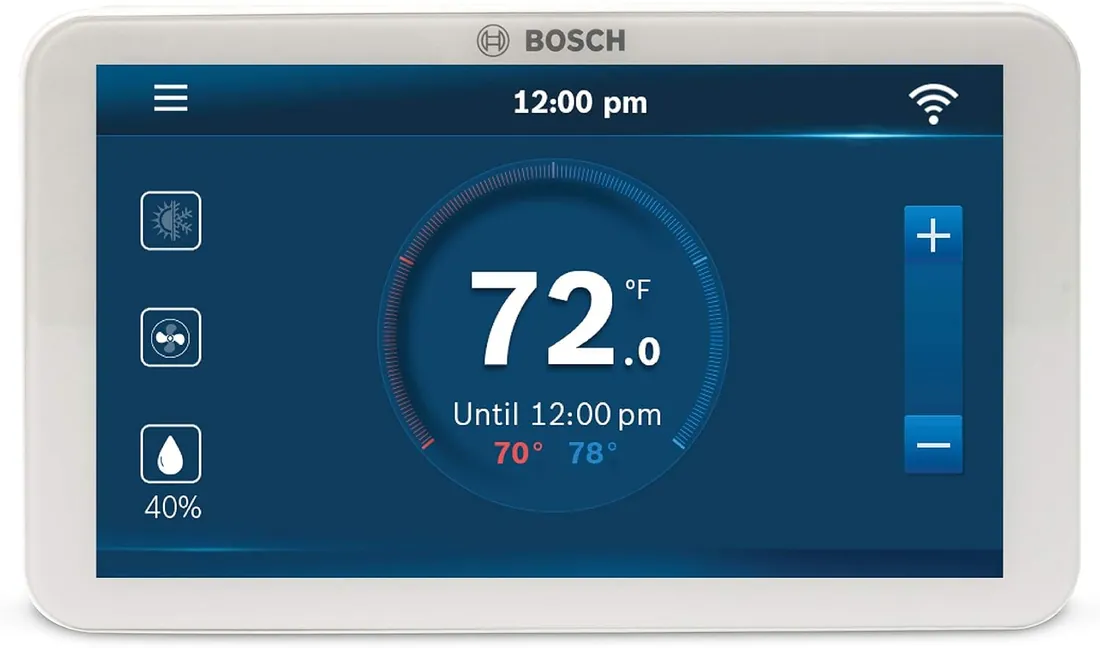
Bosch BCC100 Smart Thermostat
Needs C wire · Heat pump OK
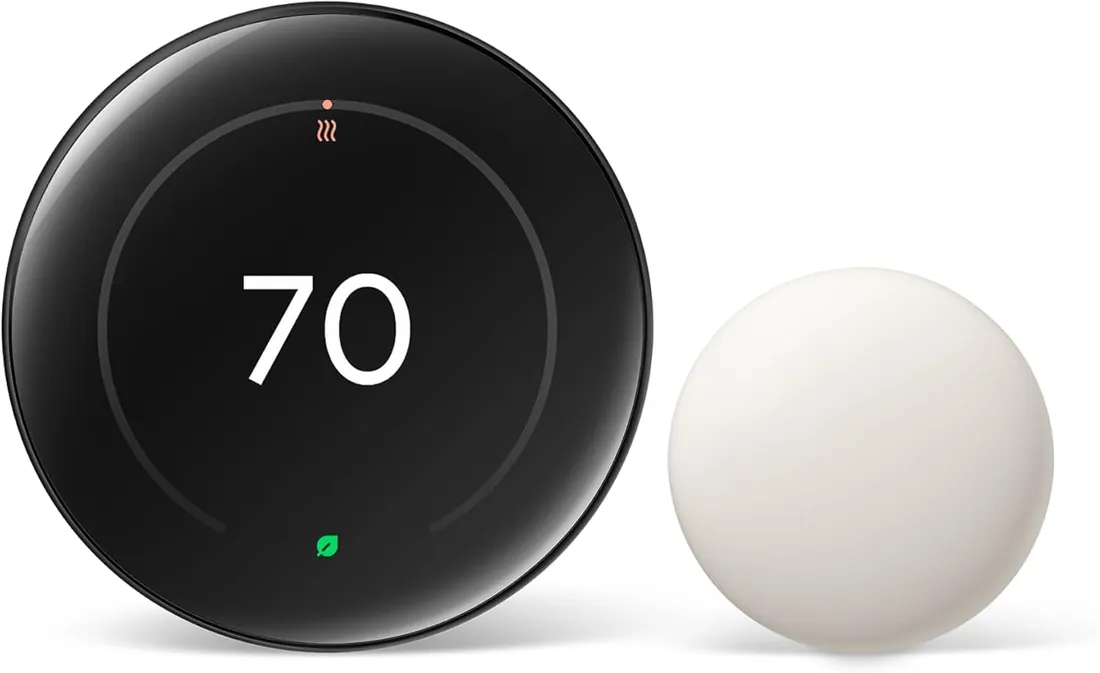
Google Nest CE911542 Learning Thermostat
No C wire needed
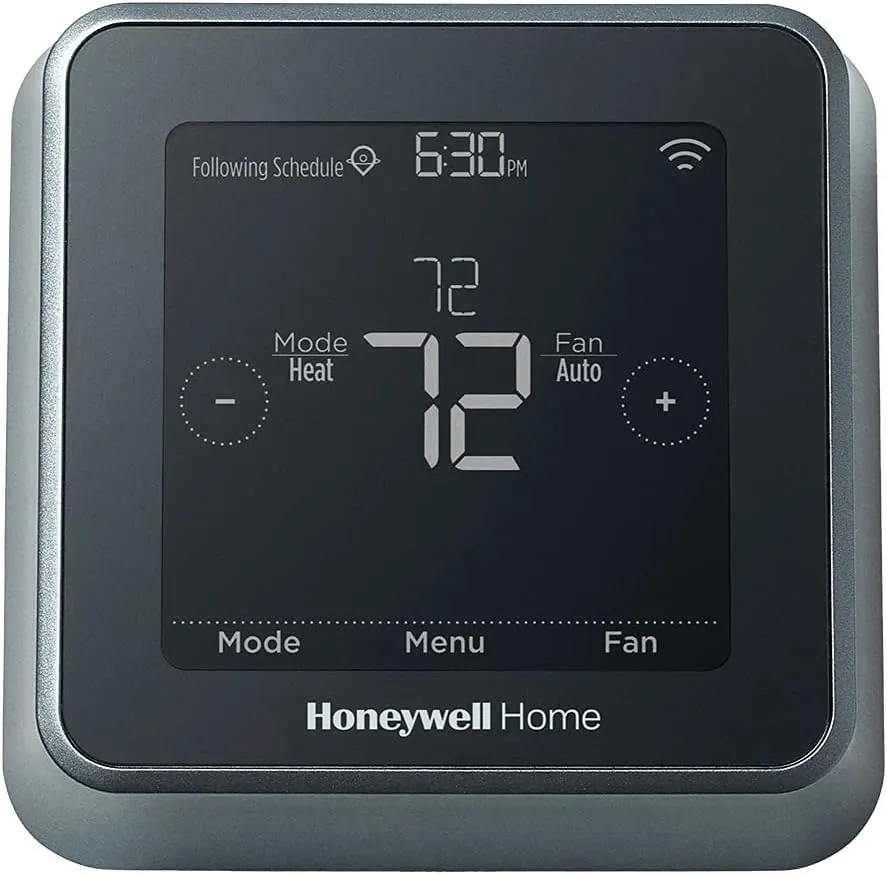
Honeywell Home RCHT8610WF2006/W Smart Thermostat
Needs C wire · Heat pump OK
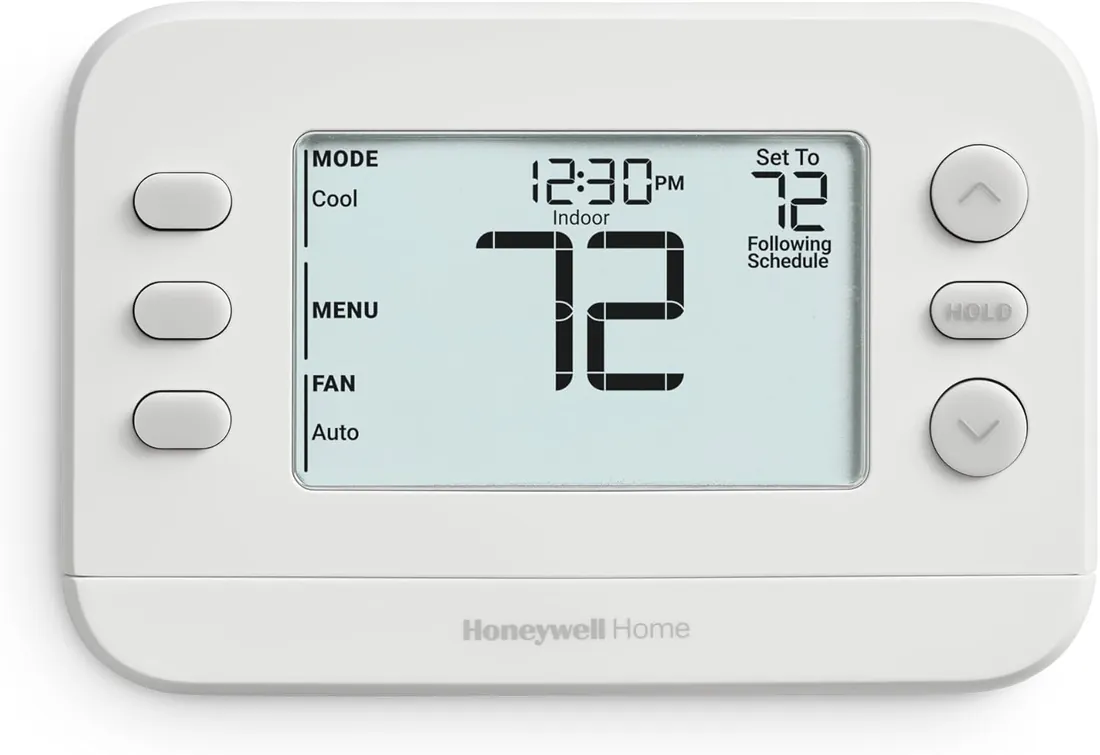
Honeywell Home RTH20B Programmable Thermostat
No C wire needed · 1 Heat/1 Cool
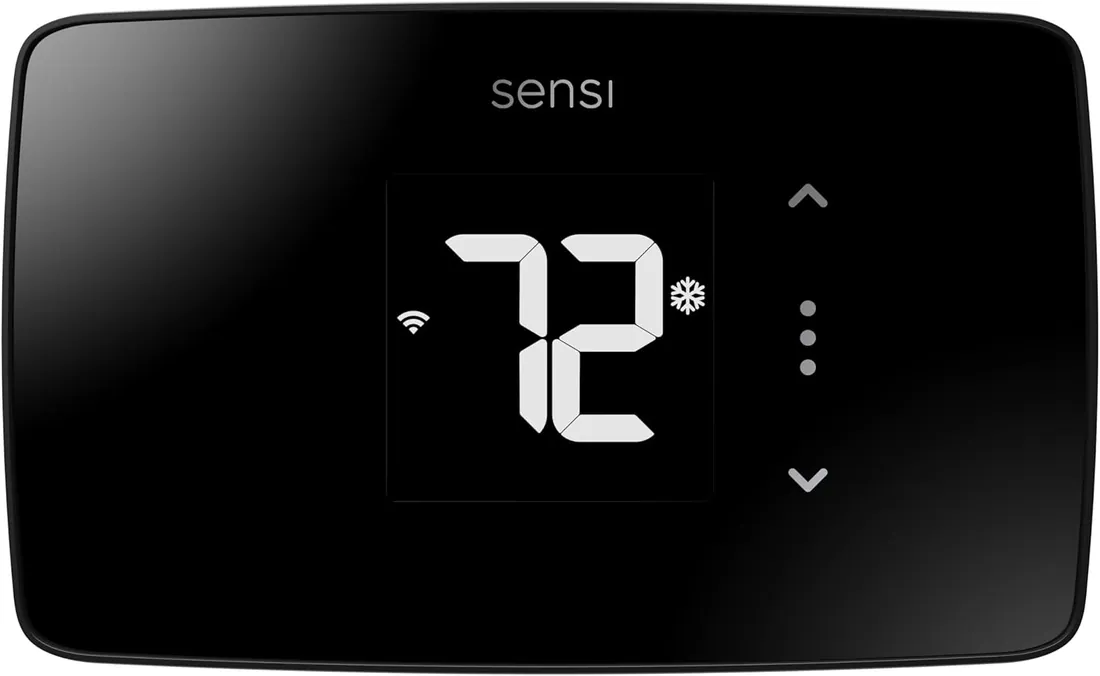
Sensi ST25 Smart Thermostat
No C wire needed
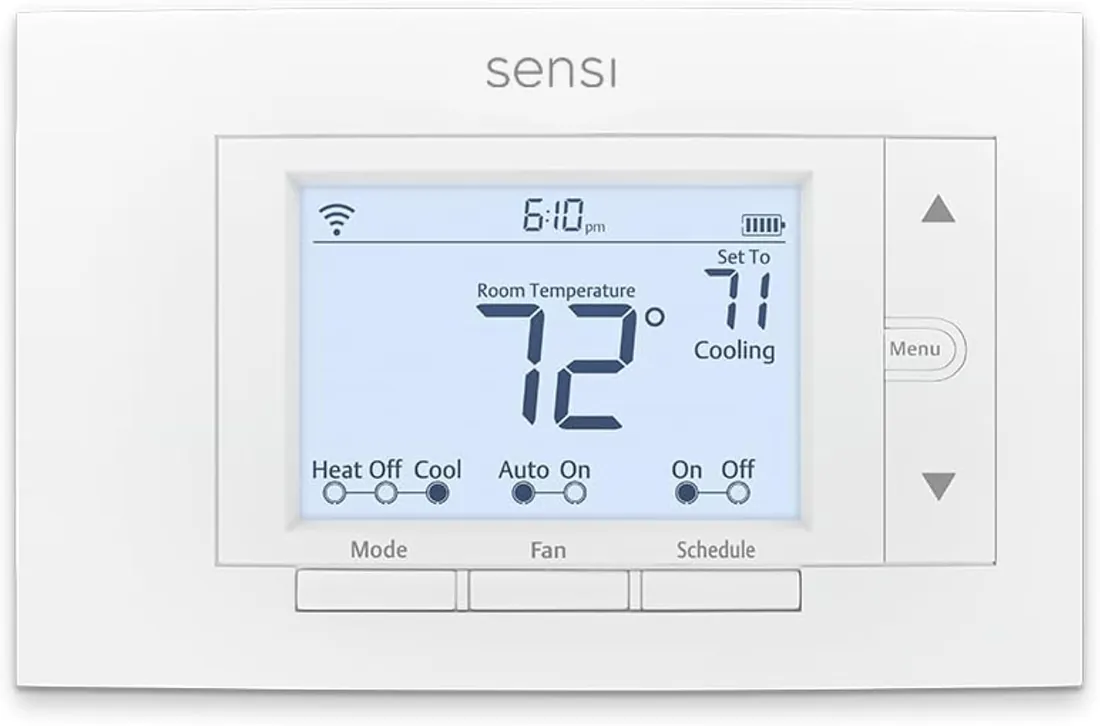
Sensi ST55 Smart Thermostat
No C wire needed